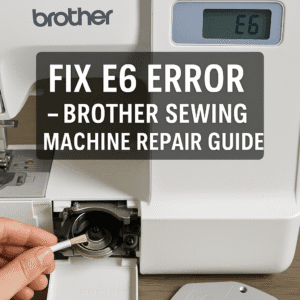
How to Fix the E6 Error on Your Brother Sewing Machine: A Step-by-Step Guide
You’re sewing along, and suddenly your Brother sewing machine stops, beeps, and displays the dreaded “E6” error code on its screen. This common Brother sewing machine error can be alarming, making you think a serious mechanical failure has occurred. But before you panic, take a deep breath. The E6 error is one of the most common Brother sewing machine troubleshooting issues and is almost always caused by a simple problem that you can fix yourself.
In simple terms, the **E6 error means your machine’s motor is locked or overloaded.** The machine’s internal sensors have detected that the motor is trying to turn, but something is physically stopping it from moving. This guide will walk you through the exact steps to find the culprit and safely resolve the error for various Brother models including Brother CS6000i, Brother SE600, Brother XM2701, and other computerized sewing machines.
Understanding Brother Sewing Machine Error Codes
Brother sewing machines use a series of error codes to communicate specific problems. While E6 indicates a motor lock, other common Brother error codes include:
| Error Code | Meaning | Common Cause |
|---|---|---|
| E1 | Needle position error | Improper needle installation or timing issues |
| E2 | Feed dog malfunction | Obstruction or mechanical issue with feed dogs |
| E3 | Thread cutter problem | Automatic thread cutter jam or sensor issue |
| E4 | Presser foot position error | Foot not properly attached or sensor malfunction |
| E5 | Speed sensor issue | Motor speed sensor failure or connection problem |
| E6 | Motor lock/overload | Thread jam, mechanical obstruction, or power issue |
| E7 | Stop button stuck | Physical button stuck or electrical short |
| E8 | Low voltage | Power supply issues or faulty electrical connection |
Your Step-by-Step Guide to Clearing the E6 Error
The number one cause of an E6 motor lock-up is a severe thread jam, usually a “bird’s nest” of thread tangled tightly in the bobbin area. Follow these steps methodically to clear it. This sewing machine repair process works for most Brother models and is essential sewing machine maintenance.
- Safety First: Power Down Completely. Before touching anything else, turn off the power switch on your machine. For complete safety, unplug the machine from the wall outlet. This prevents any accidental starts while your fingers are near the needle and is crucial for Brother sewing machine safety.
- Gently Check the Handwheel. Try to turn the handwheel on the side of the machine **towards you** (counter-clockwise). If it moves even slightly, raise the needle to its highest possible position. If the handwheel is completely solid and will not budge, **do not force it.** This could indicate a serious sewing machine motor problem requiring professional attention.
- Remove Fabric, Threads, and Needle. Carefully remove your project from the machine; you will likely need to snip the threads to get it free. Unthread the machine completely from the top. Next, use the small screwdriver that came with your machine to loosen the needle clamp screw and remove the needle. This is crucial, as a bent needle could be part of the jam and cause further Brother sewing machine tension problems.
- Perform a “Deep Clean” of the Bobbin Area. This is where the problem almost always lies. Remove the presser foot. Slide open the bobbin cover and take out the bobbin. Now, remove the metal bobbin case that the bobbin sits in (your manual will show how). You will likely see a tangled mess of thread and lint underneath. Using tweezers and a small stiff brush, meticulously clean out every single piece of thread and lint from this area. Shine a light from your phone in there to make sure you haven’t missed anything. Proper bobbin case cleaning is essential for preventing future jams.
- Confirm the Mechanism is Free. With the jam cleared, the handwheel should now turn freely towards you. Rotate it a few full turns to ensure all the moving parts in the bobbin area are moving smoothly without obstruction. This checks for any remaining sewing machine mechanical issues.
- Reassemble and Reset. Carefully place the bobbin case back into the machine, ensuring it’s seated correctly. Insert a **brand new needle**, making sure the flat side is facing the back and it’s pushed all the way up. Put the presser foot back on. Now, completely re-thread both the top thread (with the presser foot up!) and the bobbin. Proper threading technique prevents many common sewing machine problems.
- Test on a Scrap. Plug in and turn on your machine. The E6 error code should be gone. Before returning to your important project, always test the machine by sewing a few straight lines on a folded scrap of fabric to ensure everything is working perfectly and your Brother sewing machine tension is correct.
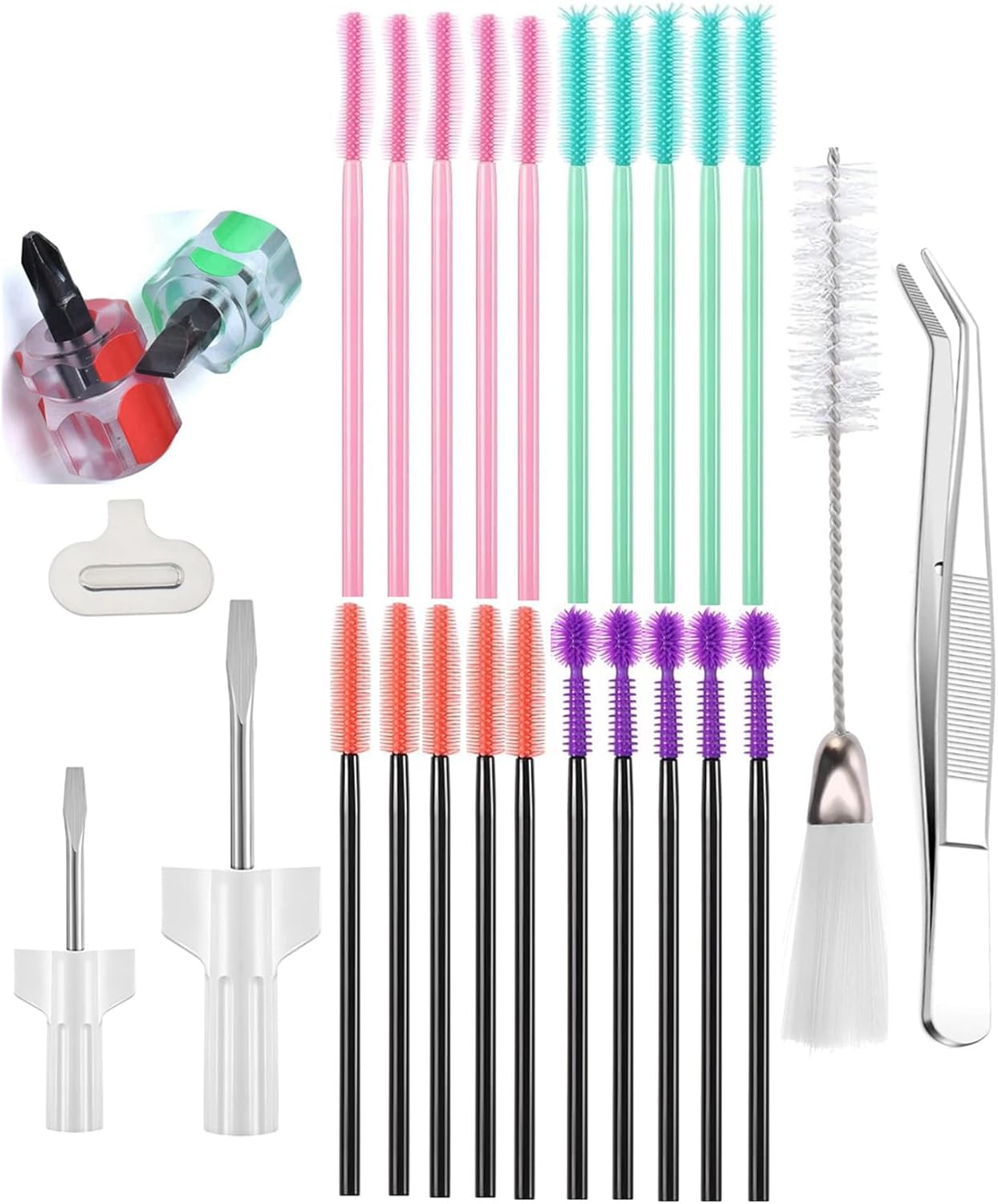
1. Sewing Machine Maintenance & Cleaning Kit
Having the right tools makes clearing an E6 jam much easier. This type of kit includes the small brushes needed to get lint out of tight spaces and the tweezers required to grab stubborn tangled threads. Regular cleaning with these tools can prevent the jam from happening in the first place. Essential for Brother sewing machine maintenance and keeping your machine running smoothly for years.
Check Price on AmazonWhat If the E6 Error Persists?
If you have followed all the steps above and the error code immediately returns, there are a couple of other things to check before calling a technician. Persistent E6 errors might indicate deeper sewing machine troubleshooting needs.
- Is the Bobbin Winder Engaged? Double-check that the bobbin winder spindle is pushed to the left (the sewing position). If it’s in the winding position, the machine will not operate and can sometimes throw an error. This is a common oversight in Brother sewing machine operation.
- Are You Using the Right Needle/Thread? If you are trying to sew through extremely thick material (like multiple layers of heavy denim) with a fine needle, the motor may physically not have enough power to push the needle through. This can overload the motor and trigger the E6 sensor. Make sure your needle and thread are appropriate for your fabric. Using a denim or heavy-duty needle for thick fabrics can prevent this issue.
- Check for Foreign Objects: Sometimes small objects like pins, broken needle tips, or fabric scraps can fall into the machine’s mechanism. Carefully inspect all visible areas with a flashlight.
- Power Supply Issues: While less common, a faulty power supply or low voltage can sometimes trigger motor errors. Try plugging your machine into a different outlet or using a different power cable if available.
Preventive Maintenance to Avoid Future E6 Errors
Regular maintenance is key to preventing Brother sewing machine problems. Follow these tips to keep your machine running smoothly:
- Clean Regularly: Clean the bobbin area after every project or at least once a week if you sew frequently.
- Change Needles Often: Dull or bent needles cause many problems. Change your needle after every 8-10 hours of sewing or with each new project.
- Use Quality Thread: Cheap thread produces more lint and is more likely to break and cause jams.
- Proper Threading: Always thread with the presser foot up and follow your machine’s threading guide exactly.
- Annual Servicing: Consider professional servicing once a year for heavy users to catch potential issues early.
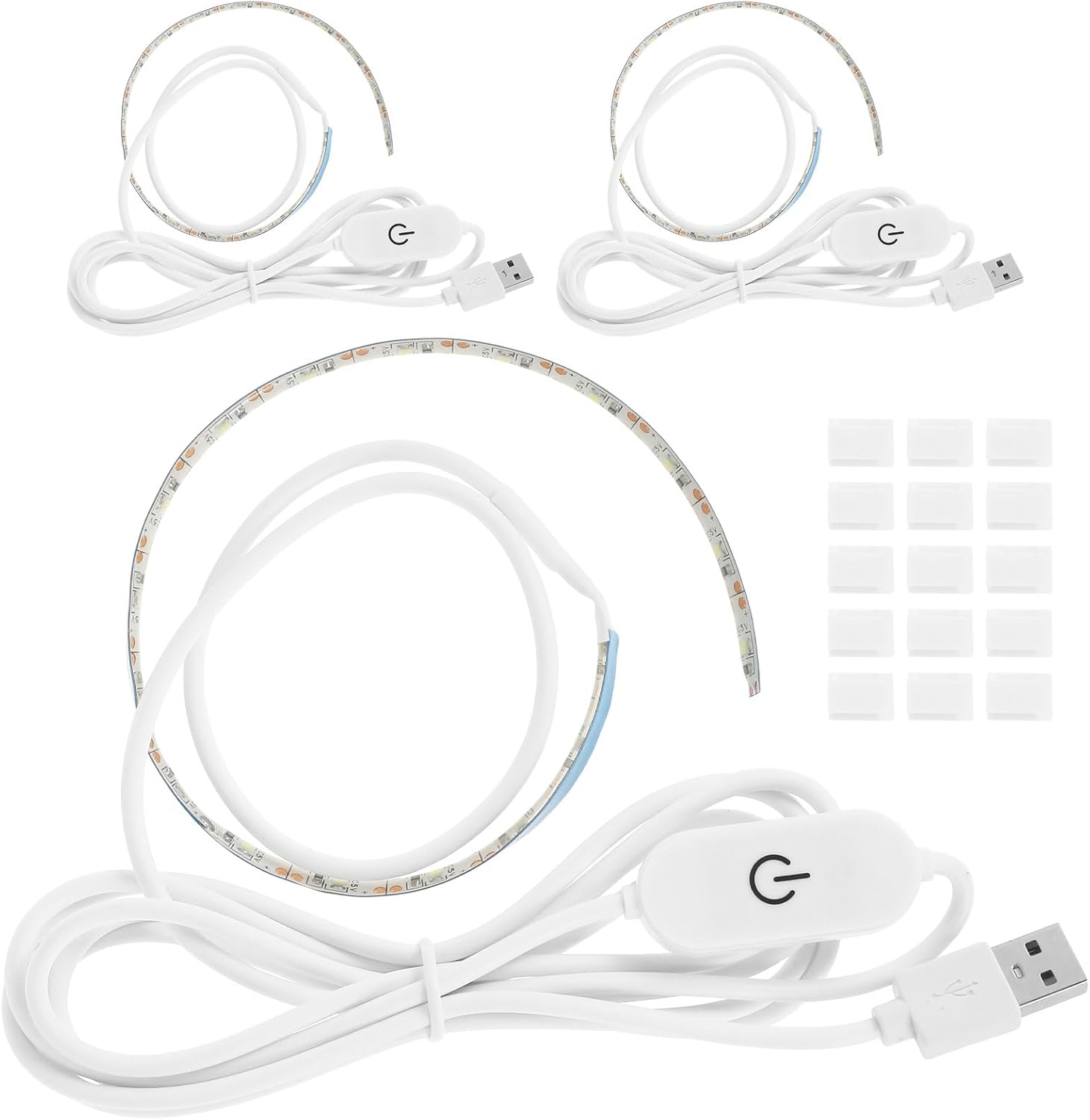
2. Adhesive LED Sewing Machine Light
It’s hard to fix what you can’t see. Most built-in machine lights cast shadows in the bobbin area. An adhesive LED light strip sticks under the arm of your machine and brilliantly illuminates the entire needle and bobbin area, making it incredibly easy to spot thread jams, lint buildup, and thread your needle. This accessory is particularly helpful for Brother sewing machine maintenance and preventing errors before they happen.
Check Price on AmazonWhen to Call a Professional: If you have thoroughly cleaned the machine and the handwheel remains physically locked and impossible to turn, it’s time to stop. This could indicate a more serious internal mechanical seizure. In this case, it’s best to take your machine to a qualified Brother service technician in your area, such as a certified repair shop in Dhaka, to prevent further damage. Other signs you need professional help include: burning smells, unusual grinding noises, or if multiple error codes appear simultaneously.
Frequently Asked Questions About Brother E6 Error
Can the E6 error damage my sewing machine permanently?
The E6 error itself is a protective measure to prevent damage. However, repeatedly trying to force the machine to sew when it’s displaying this error can cause permanent damage. Always address the underlying issue before continuing to use your machine.
My Brother sewing machine shows E6 but there’s no thread jam. What could it be?
If there’s no visible jam, the issue might be internal. Possible causes include: a seized motor bearing, a foreign object lodged in the gears, or an electrical issue with the motor itself. After checking all visible areas, professional diagnosis may be needed.
How do I reset my Brother sewing machine after fixing the E6 error?
Most Brother machines will automatically reset once the underlying problem is fixed and the machine is powered off and on again. For a full reset, unplug the machine for 5 minutes, then plug it back in and turn it on. Refer to your specific model’s manual for any model-specific reset procedures.
Conclusion: You Are in Control
The E6 error code on your Brother sewing machine feels like a major problem, but now you know the truth: it’s your machine’s way of protecting itself from a simple thread jam or minor mechanical issue. By calmly and methodically following the cleaning and resetting steps in this guide, you can solve this issue yourself nearly every time. Remember the key takeaways: power off, clear the jam from the bobbin area, install a fresh needle, and re-thread correctly. This knowledge empowers you to be a confident and capable sewist, ready to tackle any Brother sewing machine troubleshooting that comes your way. Regular maintenance and proper operation will minimize future errors and extend the life of your valuable sewing machine.